


Stay close to the source
Formatting shortcuts, logical line numbers, wrapping controls, import, export, and autosave keep the editor fast without hiding Markdown.
MDelight is a Markdown editor for web and Windows that keeps source, live preview, and AI review in one workspace. You remain the editor; every suggestion waits for your approval.
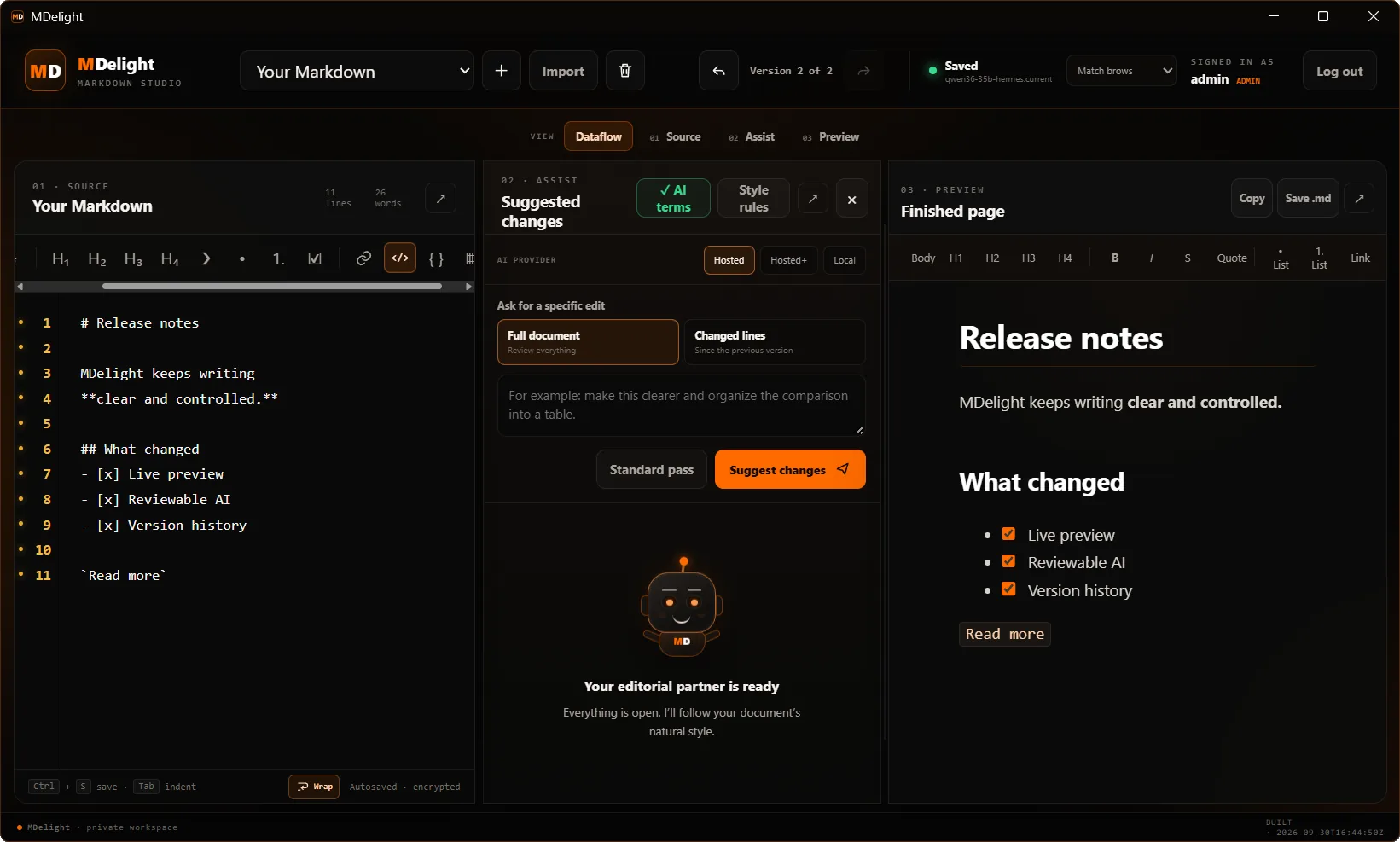
Write with familiar Markdown, ask for help only when you want it, and see exactly what would change before accepting anything.
Formatting shortcuts, logical line numbers, wrapping controls, import, export, and autosave keep the editor fast without hiding Markdown.
Ask for a standard pass or a specific edit. MDelight turns the response into deterministic, reviewable changes.
GFM tables, tasks, code, links, and typography render in a safe live preview you can also edit directly.
The document never changes just because a model answered. MDelight computes review hunks on the server and waits for you to accept or reject each one.
Move between the complete dataflow, a focused source editor, the Assist conversation, and the finished preview. The little MDelight companion follows where you work and reacts while the AI prepares a review.
MDelight keeps Markdown editing, live preview, and AI review in one workspace. Use the hosted Hangry Labs model or connect a compatible model on your own computer or local network.
The model proposes a complete revision. MDelight compares it with your saved source and shows only the differences.
The model returns only original lines it wants to replace or remove. Less output, same review-before-apply workflow.
Connect an OpenAI-compatible endpoint. The document travels directly from your browser to the address you choose.
Titles, Markdown, document guidance, and revision history are encrypted at rest. Raw HTML stays disabled in the preview. Hosted AI access remains role controlled, and local AI endpoints are never proxied through MDelight.
 BUILT IN THE LAB
Install the connected Windows app or open MDelight in your browser. Sign in once and the current experience continues to arrive from Hangry Labs.